
The KatanaSpin App for UK Players
For UK players, the KatanaSpin app means KatanaSpin Casino on a phone or tablet with the same features as on a desktop. The account is the same one used on a desktop, the cashier is the same cashier and the lobby carries the same games. The difference is the layout, which reshapes itself to fit a narrow screen.
We treat the browser as the main mobile route. Opening our site on a phone loads a version designed for touch: buttons are larger, menus fold away into a single control and the game grid scrolls in one column or two depending on the width. Nothing needs to be downloaded for this, and nothing has to be updated by hand, because every visit loads the current version of the site.
Where an installable version is offered for a device, it sits on our mobile site and works on top of the same account. We do not promise that every phone gets one, and we do not point anyone to outside pages for it. When no install option shows up, the home screen shortcut covers the same ground.
A few things stay identical across every device, and they are the reason one account is easier to manage than two:
- The balance, so a deposit made on a laptop shows on the phone straight away.
- Active bonuses and their wagering progress, which carry over without any action.
- Limits and time-outs, so a cap set at home also protects the account on the move.
- Account history, saved details and verification status.
The full picture of what we offer beyond mobile, from the lobby to support, starts on the KatanaSpin Casino home page.
Our own take on mobile play is simple. A phone is the device most people have closest to hand, which makes it convenient and also makes it easy to play longer than planned. That is why the mobile layout keeps the account area, limits and support within reach rather than buried. Anyone curious about how the brand works behind the screen can read more about KatanaSpin Casino.
How to Install the KatanaSpin App
The KatanaSpin app is installed from our own website, and only where an installable version is offered for that device. The whole process takes place in the phone's browser and the system prompts that follow it. There is no other source.
A stable network and a charged battery help here, since an interrupted install is the most common reason for a broken icon later.
- Load the KatanaSpin Casino website in the phone's browser by typing the address directly, not by following a link from a message or an advert.
- Look in the main menu for the mobile or app section.
- Choose the button that matches the device, for example Android or iPhone, if more than one is shown.
- Follow the prompt on screen and confirm the download or install request.
- Allow installation from this source only if the phone asks, and only for this one download.
- Once the install finishes, open the new icon and press Login with the usual email and password.
- Go back into the phone settings and switch the install permission off again.
The last step is the one most people skip, and it matters. A phone that keeps "install from unknown sources" switched on stays open to any file that lands on it, including ones that have nothing to do with us. Turning it off again costs a few seconds.
If the menu shows no app section at all, there is no installable version for that device at the moment, and the home screen shortcut is the route to use. It gives the same one-tap entry and needs no permissions.
Updates follow the same rule as the install. When a new version is ready, the notice comes from our site or from the app itself, never from a text message or an email with an attachment. A message asking for a "required update" through a link is a warning sign, not a routine notice.
KatanaSpin App Download and APK Safety
An APK file is only safe when it comes from our own website. That single check removes almost all of the risk, and it is worth repeating because fake casino apps are common and some look convincing.
Six checks cover the risk before, during and after a download:
- Source. The download starts from the menu on our site, reached by typing our address in the browser. A file from a forum, a file-sharing page, a chat group or a social media post is not the KatanaSpin app.
- Address bar. Before tapping any install button, the address should be our own domain with a padlock in the browser bar. A slightly misspelled address is a classic trick.
- File name and size. A file with an odd name, a double extension or an unusual size compared with what our site shows is a reason to stop.
- Permissions. A casino app has no reason to ask for contacts, text messages, call logs or accessibility control. A request like that is a reason to cancel the install.
- Login screen. A fake app often opens straight to a login form that looks like ours but sends details elsewhere. If a screen looks off, closing it and opening our site in the browser is the safe check.
- Payment requests. No genuine app asks for card details or a transfer just to install or unlock it.
When a suspicious file has already been opened, acting quickly beats waiting to be sure:
- Delete the app or file from the phone straight away.
- Change the KatanaSpin Casino password from a trusted device or the mobile browser.
- Change the password on the email account linked to the casino account as well.
- Run the phone's built-in security scan if it has one.
- Contact our support team with a short description, so we can watch the account for unusual activity.
We would rather hear about a possible fake that turns out to be harmless than miss one that is not. Reports also help us warn other players when a copy is circulating.
The KatanaSpin Mobile Site and Home Screen Shortcut
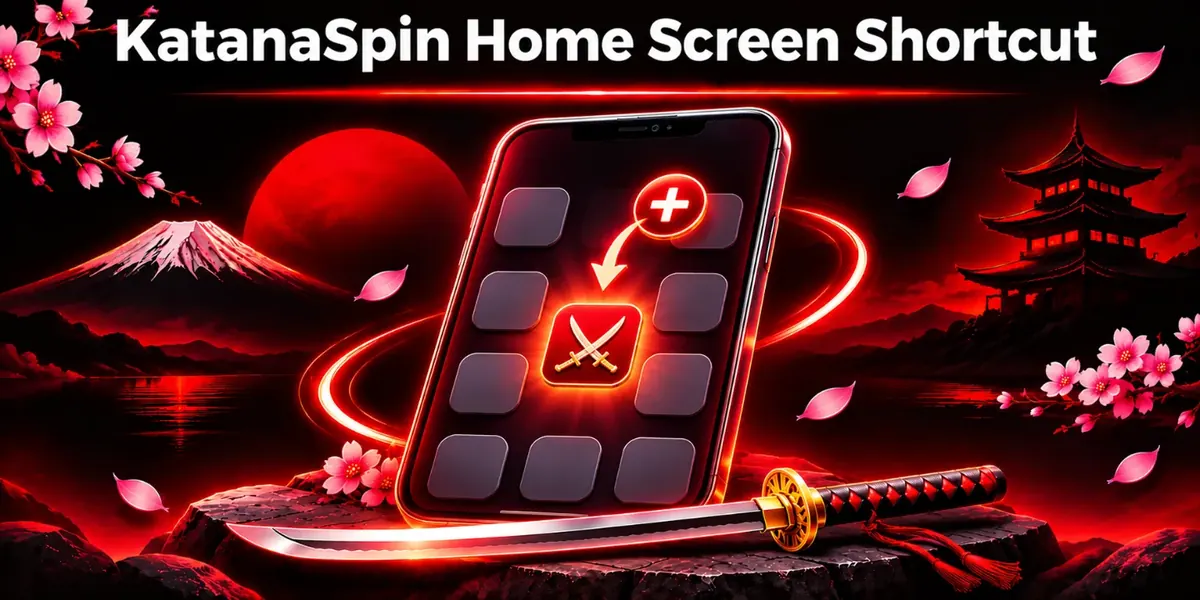
The home screen shortcut is the simplest way to get app-style access to KatanaSpin Casino on any modern phone. It places an icon next to other apps, opens our site in its own window and skips typing the address each time. It works on iPhone and Android without any download.
On an iPhone, the shortcut is added from the share menu in Safari:
- Visit the KatanaSpin Casino website in Safari.
- Tap the share button at the bottom or top of the screen.
- Scroll the share options and choose Add to Home Screen.
- Keep the suggested name or type a shorter one, then confirm.
- Use the new icon to open the site and log in.
On Android, the shortcut is added from the browser menu:
- Open the KatanaSpin Casino website in the phone's browser, such as Chrome.
- Tap the menu button, usually shown as dots in a corner.
- Choose Add to Home screen or Install app, depending on what the browser shows.
- Confirm the name and add the icon.
- Start the site from the icon and press Login.
A shortcut is not a lesser version of the app. It loads the full current site every time, so it updates without any action, and it takes up almost no storage on the phone. That makes it a good fit for older handsets, phones that are short on space and anyone who prefers not to grant install permissions.
There are two small things to know. The shortcut depends on the browser it was created in, so deleting or resetting that browser can break the icon. And because it opens the live site, it needs a connection to work, just like the browser itself. When an icon stops responding, removing it and adding it again from our site usually fixes it in under a minute.
KatanaSpin App on iPhone and Android Browsers
KatanaSpin Casino runs in all current mainstream mobile browsers on iPhone and Android, and the experience is close to identical between them. What matters more than the brand of browser is that it is kept up to date, since older versions can struggle with modern game builds and secure payment pages.
On a small screen, the site changes shape rather than shrinking. The main menu folds into one button in the header. The game grid becomes a scrollable list of tiles that can be filtered by type. The cashier stacks its fields vertically so deposit and withdrawal forms fit without zooming or sideways scrolling. Account settings, limits and support chat stay reachable from the menu on every page.
Games behave according to how each one is built. Many slots play upright on a phone, while some games, including most live dealer tables, look best in landscape. Turning the phone sideways switches the view where the game supports it. For live tables, we suggest landscape and Wi-Fi together, because the video stream benefits from both.
Data use depends on what is played. Browsing the lobby and using the cashier use little data, slots use a moderate amount, and live dealer streams use the most. On a limited mobile plan, Wi-Fi is the better choice for live games. A weak signal can cause a stream to freeze, and in that case the round is settled by the game rules rather than lost from the account.
Tablets get the wider layout with more tiles per row and more room on game screens, which suits table games in particular.
How KatanaSpin App Login Works on a Phone
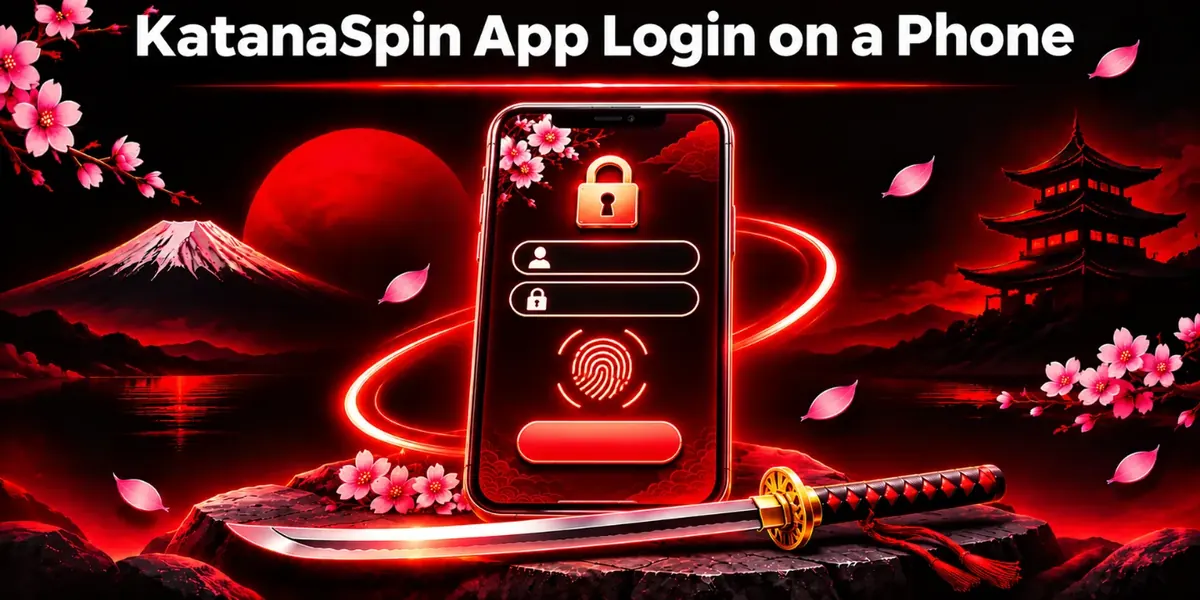
Logging in on a phone uses exactly the same email and password as on a desktop. There is no separate mobile account and no separate set of details to remember. Once inside, the balance, bonuses and limits appear as they do everywhere else.
Signing in takes five short steps:
- Start the KatanaSpin app, the home screen shortcut or our site in the browser.
- Press the Login button at the top of the screen.
- Enter the registered email address and the account password.
- Type the two-step code sent to the phone or email, if two-step verification is switched on.
- Wait for the account area to load, then check that the balance and name look right.
Phones can save passwords, which is convenient on a private device and risky on a shared one. On a phone that other people use, we suggest not saving the password and logging out at the end of every session. A screen lock on the phone itself is the simplest protection against someone else opening the account.
Two-step verification adds a short code to the login and is worth turning on for anyone who plays on mobile. A lost or stolen phone with a saved password is the main risk on the go, and a code step blocks most misuse.
More detail on sign-in, password resets and account recovery sits on our KatanaSpin login page.
KatanaSpin App Login Not Working
When the KatanaSpin app login fails on a phone, the cause is usually small and quick to fix. The usual causes, roughly in order of how often we see them:
- Wrong password. A single wrong character is enough, and phone keyboards make typos easy.
- Caps lock or autocorrect. Phone keyboards sometimes capitalise the first letter or change an email address. Checking both fields by tapping the show password option helps.
- Stale shortcut. An old home screen icon can point to an outdated address. Removing it and adding it again from our site sorts this out.
- Old browser or app version. Updating the browser, or the app where one is installed, clears many login loops.
- Weak signal. A login request that times out can look like a failure. Switching between Wi-Fi and mobile data is a quick test.
- Device clock. Two-step codes depend on the phone's time being set automatically. A clock that has drifted can reject a valid code.
- VPN or private relay. A connection routed through another location can trigger extra security checks. Turning it off for the login often helps.
- Forgotten password. The reset link on the login screen sends instructions to the registered email address.
- Locked account. After repeated failed attempts, the account may be paused for safety, and support can confirm the next step.
When none of these work, our support chat can check the account from our side. Having the registered email and a screenshot of the error ready speeds things up.
What the KatanaSpin App Offers: Games, Cashier and Bonuses
The KatanaSpin app offers the full casino, not a cut-down mobile edition. Every main area of the site is reachable from a phone, and the layout is arranged so the most used parts sit closest to the thumb.
- Slots. The largest part of the lobby, with classic reels, video slots and feature-heavy games, most of which are built to play upright on a phone.
- Table games. Digital blackjack, roulette, baccarat and similar games, with controls sized for touch.
- Live dealer games. Real dealers on video, with chat and betting panels that fit a phone screen, best enjoyed in landscape.
- Search and filters. A search field and category filters help find a game by name or type without scrolling through everything.
- Favourites. Games marked as favourites stay in one list, which makes short mobile sessions quicker to start.
- Account area. Personal details, verification, limits and history, all managed from the menu.
- Support chat. Live chat opens from any page and stays open while switching between the lobby and the account.
The cashier works on mobile exactly as on desktop. Deposits, withdrawal requests and payment history are all handled from the phone, and the methods shown depend on the account. Our full withdrawal guide explains how a cash-out request moves from the phone to a payout and what verification it may need.
Bonuses also carry across. An offer claimed on a laptop shows on the phone, and its wagering progress updates as games are played on either device. Terms are shown on each offer before it is claimed, and those terms are the same on every screen. The details of the current welcome offer and promotions are on the KatanaSpin bonus page.
We think the mobile lobby is at its best for short, planned sessions: a few rounds of a favourite slot, a quick look at a bonus or a withdrawal request on the way home. Long live sessions are often more comfortable on a larger screen with a steady connection.
KatanaSpin App Not Working: Common Fixes
When the KatanaSpin app or mobile site stops working, a handful of simple steps fix most problems. We suggest trying them in this order, since the early steps are quickest and solve the most cases.
- Check the connection by opening another website or switching between Wi-Fi and mobile data.
- Close the app or browser tab completely and open it again.
- Update the browser, or the app where an installed version is used, to the latest version.
- Clear the browser cache and cookies for our site, then log in again.
- Remove the home screen shortcut and add it again from our website.
- Restart the phone to clear memory and background processes.
- Contact our support team with the phone model, the browser or app version and a screenshot of the problem.
Two situations come up often in support chats. A game that freezes mid-round has not taken the stake away. The round is completed or settled by the game rules, and the result appears in the game history once the connection is back. A cashier page that will not load is often a sign of an outdated browser or an aggressive content blocker, and turning the blocker off for our site usually helps.
When a fix works on Wi-Fi but not on mobile data, the issue is the signal rather than the account. In that case, waiting for a better connection is safer than retrying payments several times.
Is the KatanaSpin App Safe?
The KatanaSpin app is safe when it comes from our own website and is used on a phone with basic protection in place. Most mobile risks come from fake copies and careless device habits rather than from the site itself, so the safeguards split between what we do and what players control.
On our side, the protections are built into the site:
- Encryption. Data travelling between the phone and our site is sent in protected form, which shields login details, personal information and payment data on the way.
- Official source only. Any installable version and every update come only from our website, which keeps the chain from us to the phone short and visible.
- Account checks. Verification confirms that the account belongs to an adult and to the person using it, which makes misuse harder.
- Login protection. Two-step verification and safety pauses after repeated failed attempts protect the account from guessing.
On the player's side, a few habits make a large difference:
- Keep the phone's operating system and browser updated, since updates close security gaps.
- Use a screen lock and never leave a logged-in phone unattended in a public place.
- Avoid public Wi-Fi for deposits and withdrawals, or use mobile data instead.
- Refuse any app permission that has nothing to do with playing, such as contacts or messages.
- Log out after every session on a shared or borrowed device.
How we collect, use and store information from a phone is the same as on desktop, and it is set out in full in our privacy policy.
The rules that apply to the account on every device, including bonuses, payments and account security duties, are written out in our terms and conditions.
Responsible Play on the KatanaSpin App
Responsible play matters more on a phone, because the casino is always in a pocket. Every tool we offer works on mobile exactly as on desktop, and a limit set on one device protects the account on all of them.
- Deposit limits. A cap on how much goes in over a chosen period, set in the account area and active everywhere.
- Time-outs. A short break that locks the account for a period chosen by the player.
- Reality checks. Reminders that show how long a session has been running.
- Notifications. Promotional alerts on the phone can be turned off in the account or phone settings, which removes one prompt to play.
- Short sessions. A planned start and end time works well on mobile, where it is easy to keep scrolling.
- Adults only. The site and every mobile route into it are for adults, and phones shared with younger family members should never stay logged in.
Free and confidential help is available in the UK from organisations such as GamCare, BeGambleAware and GamStop, which offers self-exclusion across participating sites. Our full set of tools and warning signs is on the responsible gambling page.
KatanaSpin App FAQ
1Is there a KatanaSpin app?
KatanaSpin Casino plays fully in a mobile browser, and a home screen shortcut gives one-tap access on any modern phone. Where an installable version is offered for a device, it appears in the menu on our own website and nowhere else.
2How to install the KatanaSpin app on Android or iPhone?
Open our website on the phone and check the menu for an app section. Where an install is offered, follow the on-screen prompt. Otherwise, add a home screen shortcut from the browser's share or main menu.
3Is the KatanaSpin app APK safe to download?
An APK is only safe when it is downloaded from our own website, reached by typing our address. Files from forums, chat groups or download pages are not ours and may carry malware or a fake login screen.
4How to log in to the KatanaSpin app?
Open the app, shortcut or mobile site, press Login and enter the same email and password used on desktop. Where two-step verification is on, a short code follows, and the account then opens with the usual balance.
5Why is the KatanaSpin app not working?
Most problems come from a weak connection, an outdated browser or a stale shortcut. Closing and reopening, updating, clearing the cache or re-adding the shortcut usually helps, and our support chat can check further when nothing else works.